Printing instructions - Mac OS X
- Download the correct driver for your operating system.
- Double-click on "Kyocera_OS_13+_Web_build-2026.04.21.dmg" to mount the disk image
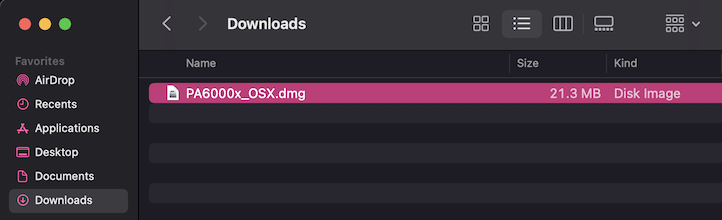
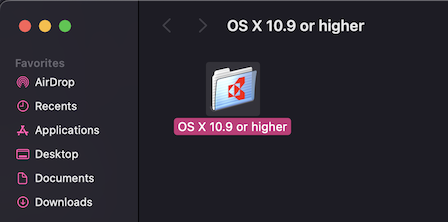
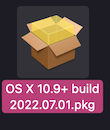
- Double-click on "Kyocera OS 13+ Web build 2026.04.21.pkg"
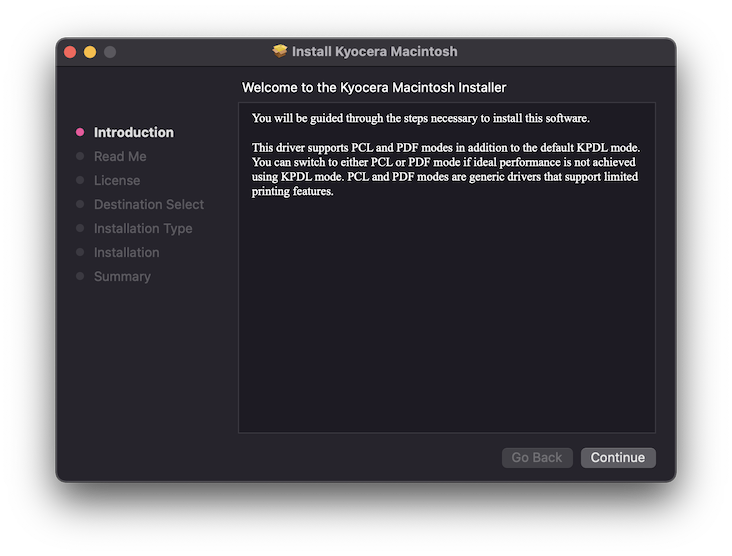
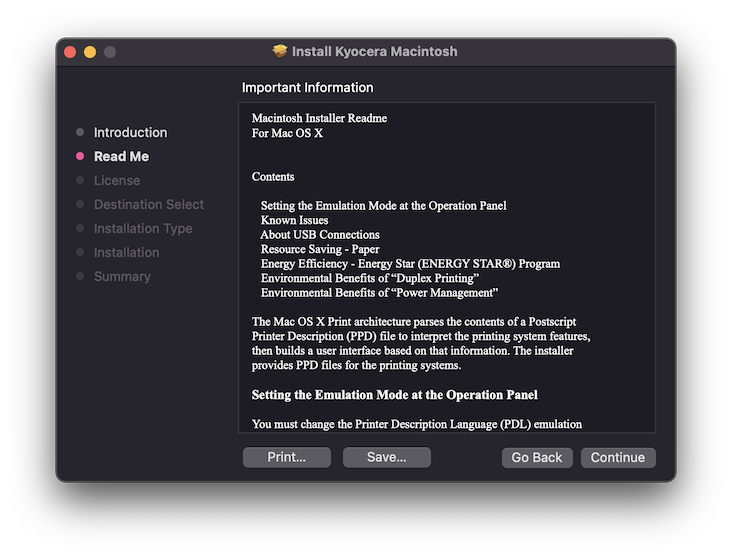
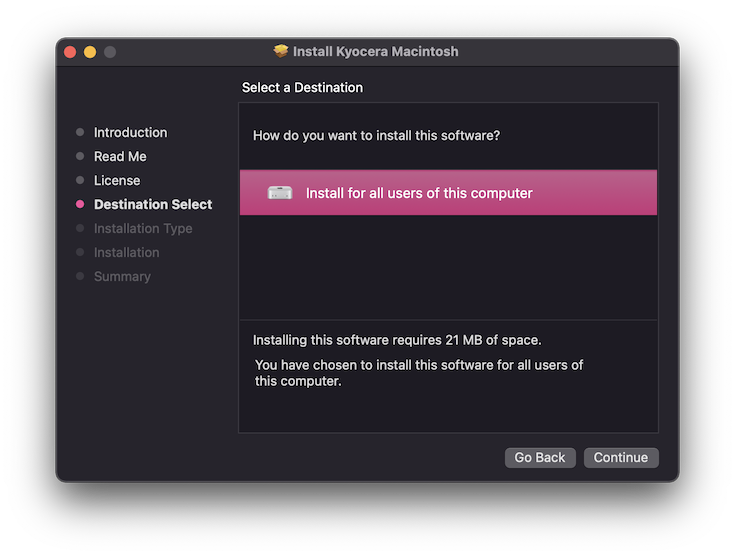
- Click "Continue"
- Click "Continue"
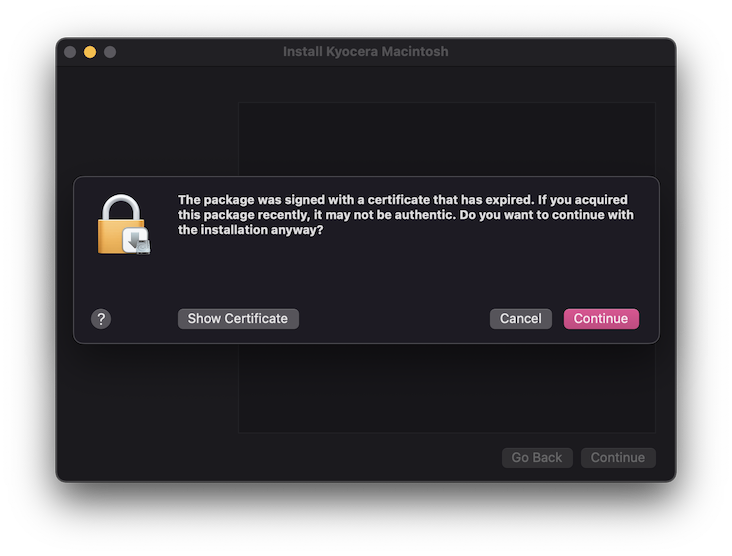
- Click "Continue"
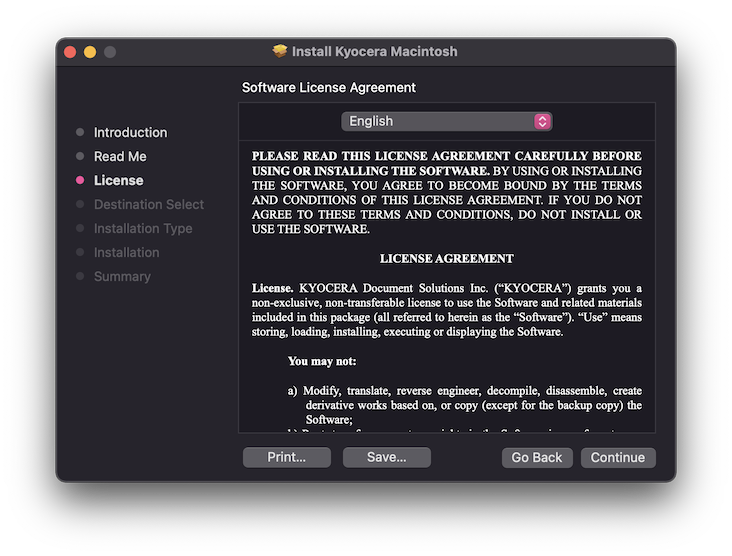
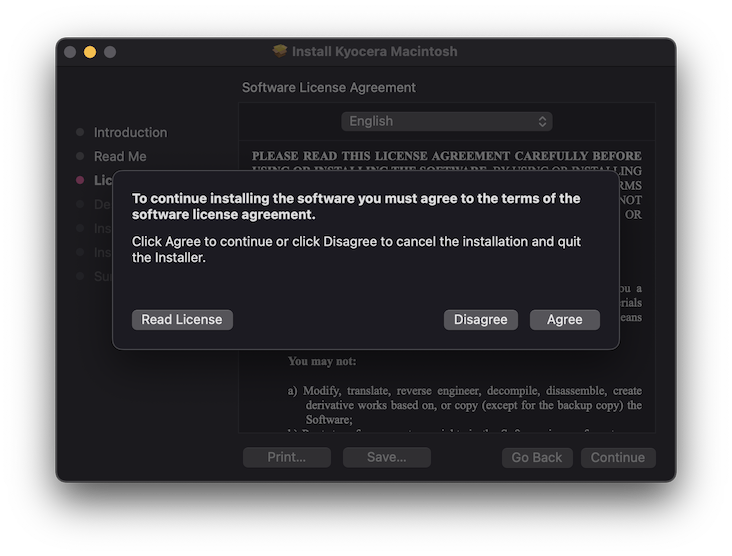
- Accept the license agreement.
- Click "Install"
- Enter your password and click "Install Software"
- Click "Close" once installation completes.
- Launch System Settings.
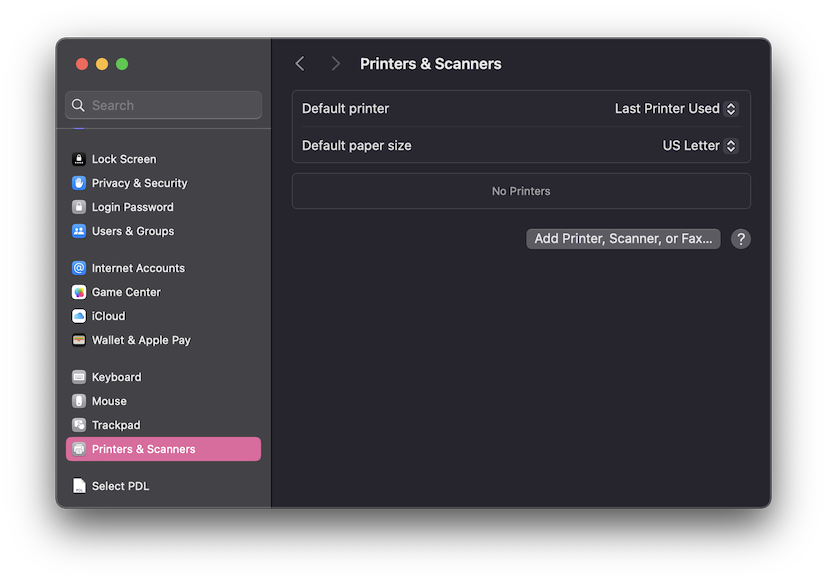
- Select Printers & Scanners.
- Click "Add Printer, Scanner, or Fax..." to add a printer.
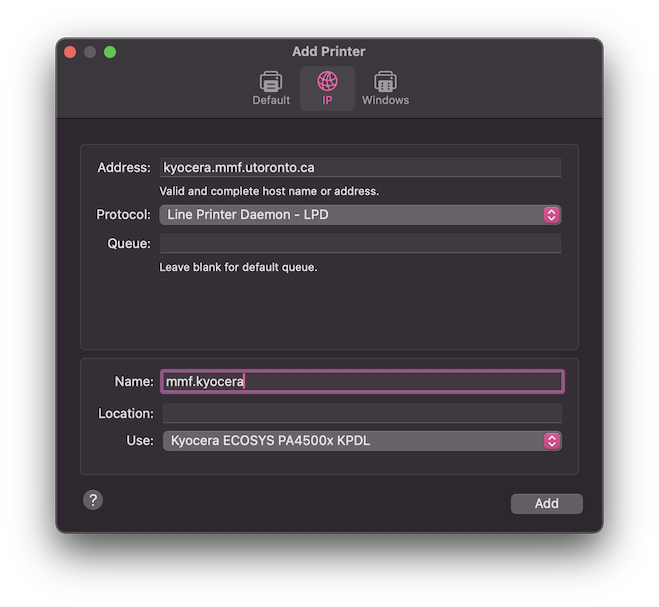
- Select IP type printing.
For Address: enter kyocera.mmf.utoronto.ca.
For Protocol: select Line Printer Daemon - LPD.
Enter a Name: for the printer.
For Use select Kyocera ECOSYS PA4500x KPDL
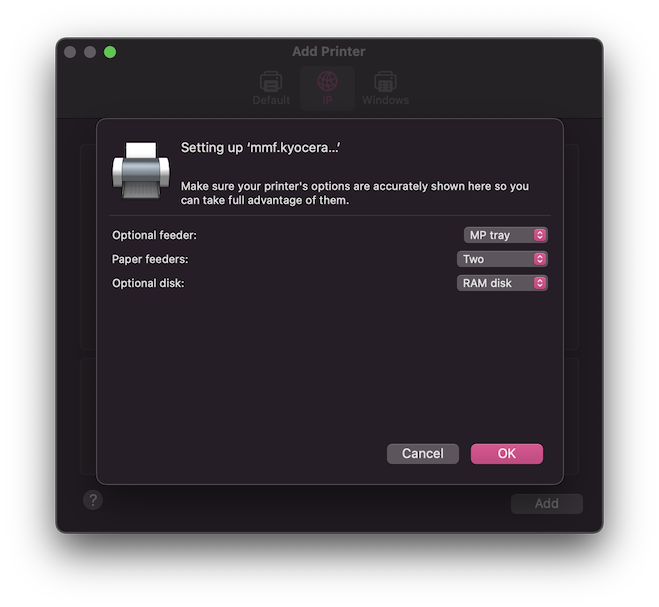
- For Optional feeder select MP tray. For Paper feeders select Two. Click OK.
- Click Add.